
Route
- Go to Agent > All
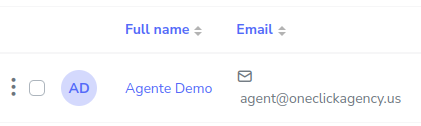
If you want to update an agent’s information, you should select the button on the left side of the agent.
A pop-up menu will appear with the following information.
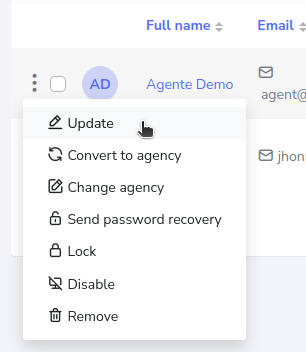
Click on update, from there, you will be sent to a form that contains the agent’s data, which you can modify and when finished, press the save changes button.
