Route
- Go to Agent > All
There are two ways to delete agents, one is individually, while the other way is to delete them in groups.
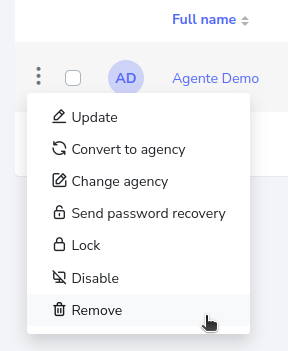
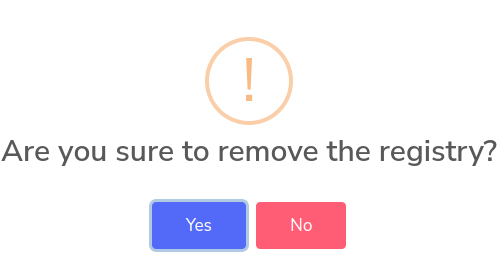
It will ask for a confirmation, to which you must click yes to delete it.
Delete one or several agents
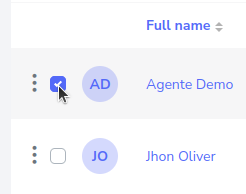
To delete an agent or agents, you must press the selection button on the left side, for example.
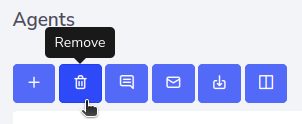
Then press the delete button, if you select several agents, then all selected ones will be deleted.
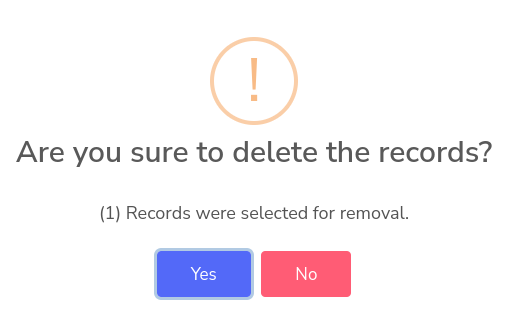
Upon clicking, a pop-up window will appear, asking if you want to delete the selected agents, click “Yes” to remove them, or alternatively click “No”.