Route
- Go to Agent > All
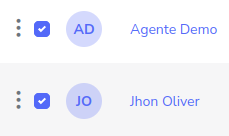
The option to send SMS messages or emails is similar, first, you must select all the agents to whom you want to send the information.
Now, press the button to send SMS or the one to send email.
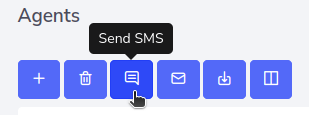
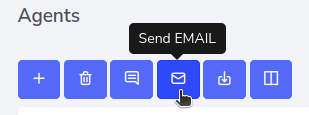
In the case of SMS, a window like this will be shown.
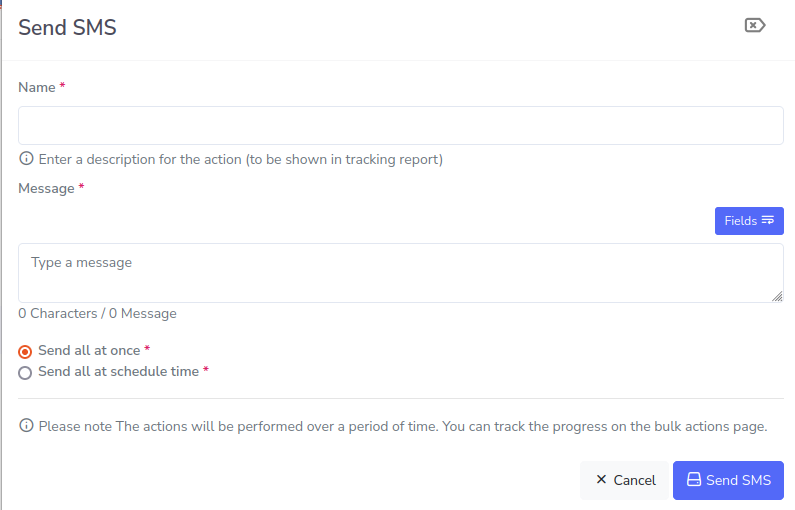
Enter the name of the message for tracking, the information the message should contain, you can also schedule the time when the SMS will be sent and when finished, just click on “Send SMS”.
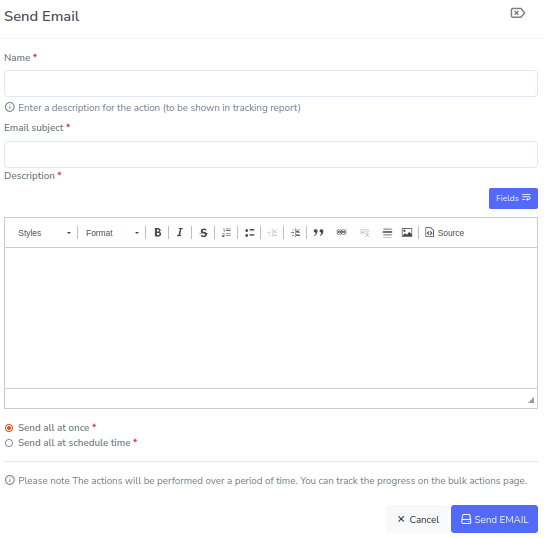
In the case of emails, it is as follows.