Route
- Go to Agents > All
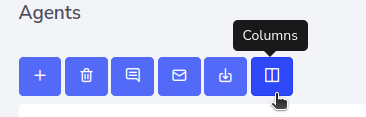
To sort how agent data is displayed, you can press the “Column” button which is at the top left, being the last button.
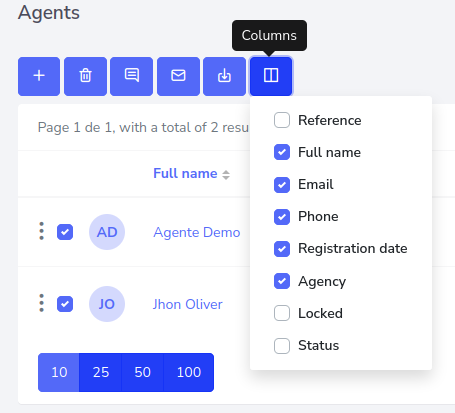
Upon pressing the button, you will have a variety of options available to arrange the columns.

Route
To sort how agent data is displayed, you can press the “Column” button which is at the top left, being the last button.
Upon pressing the button, you will have a variety of options available to arrange the columns.