Route
- Go to Agents > All
You must go to the agent list and find the agent you are going to disable.

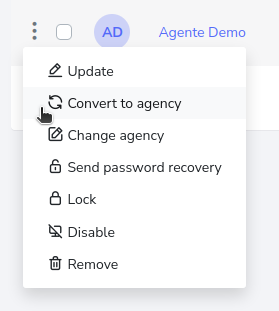
Click on the button with 3 dots, which is located on the left side of the agent, causing a menu to be displayed, which you must click on the disable button.
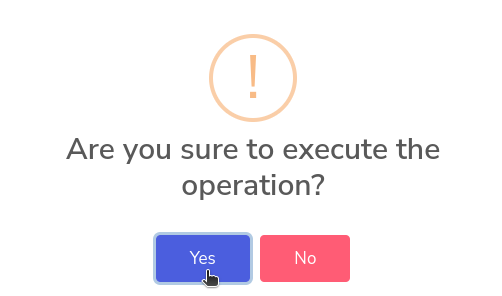
It will ask for confirmation, pressing the “Yes” button will disable the agent.