Route
- Go to Policy > (Select type of policie)
There are two methods to delete policies: if you want to quickly delete one or delete several using multiple selection.
Deleting a Single Policy
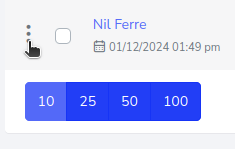
To delete a single policy, locate the policy you wish to remove, then press the 3-dot button on the left side of the policy.
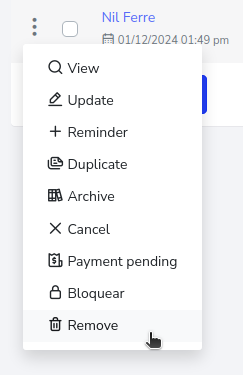
Clicking it will open a dropdown menu, and you must press the “Remove” button.
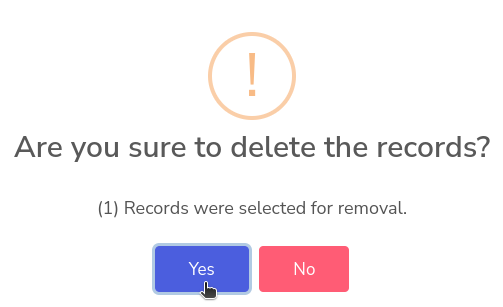
Then, a confirmation will be displayed asking whether or not you want to delete the policy.

How to Delete One or Multiple Records?
To do this, simply select the policy you want to delete. If there are more, you can select others.


Then press the delete button.

It will ask for confirmation on whether you want to remove the policy.