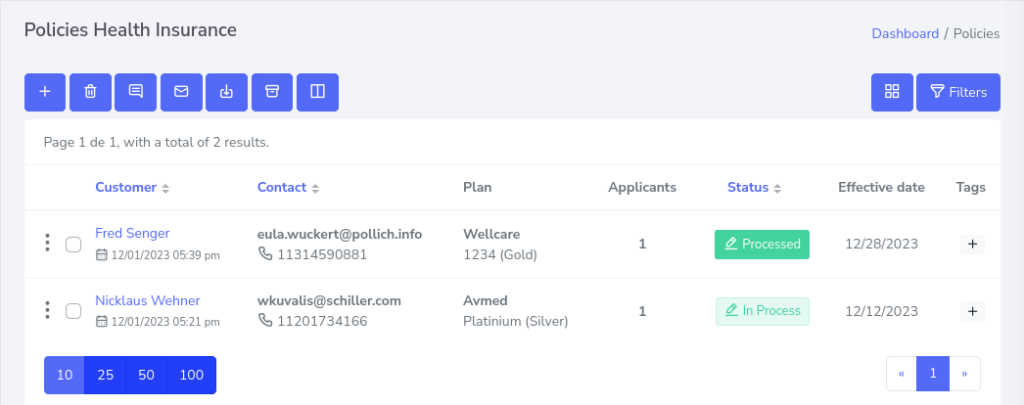
Route
- Go to Policy > (Select type of policie)
To archive, it is only necessary to search for the specific policy you want to archive and press the 3 dots that are located on the left side of the policy, for example.

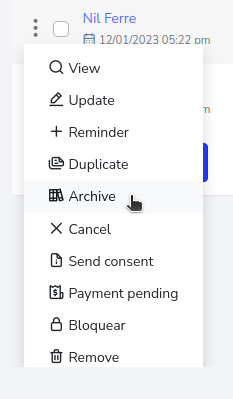
After pressing the button, a menu will be displayed with the options you can take; in this case, click on the one that says “archive”.
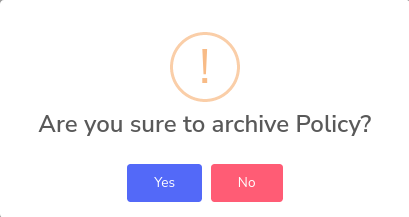
A notice will appear, asking if you are sure you want to archive it or not, to which you must press the “Yes” option.
There, we now have the policy archived.