Route
- Go to Policy > (Select type of policie)
There are two ways to view the details of a policy.
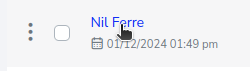
You can directly select the policy name and it will take you to the details, for example:
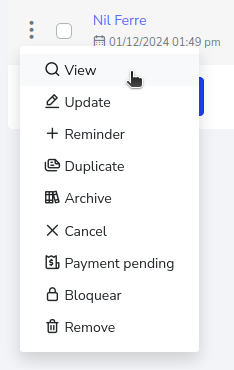
Or by selecting the 3-dot button on the left side of the policy. And then select the “View” option.
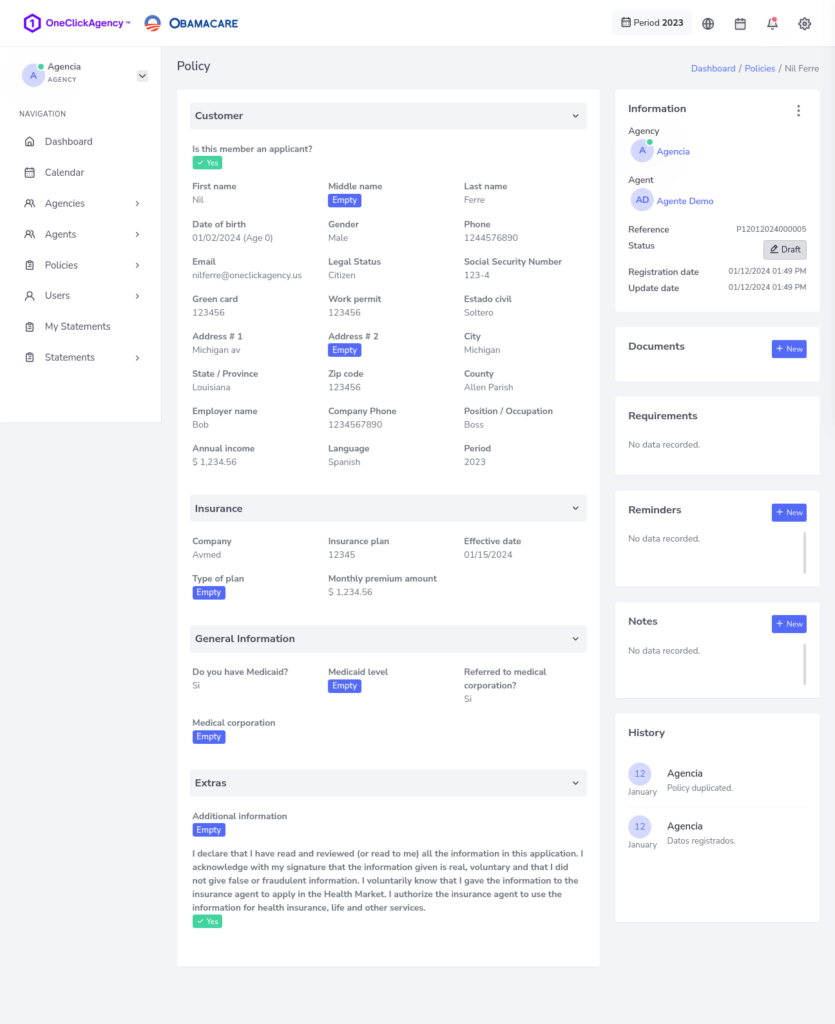
Both cases will lead you to the same result which would be the following in this case.