Route
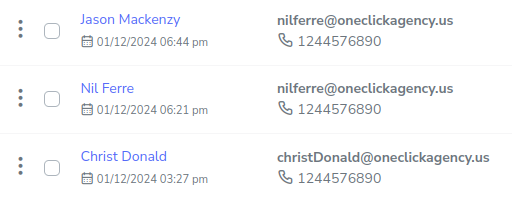
- Go to Policies > (Select type of Policie)
To duplicate a policy, you just need to find the specific policy you want to duplicate, press the 3-dot button on the left side of the policy, which will display a menu with a series of options when clicked.
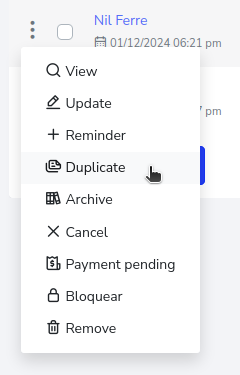
Select the “Duplicate” option.
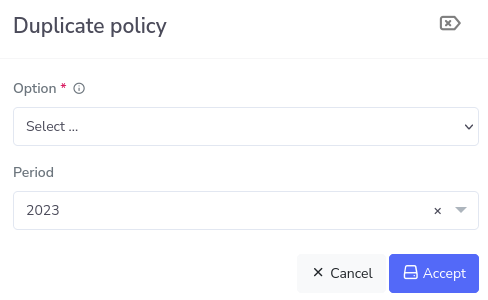
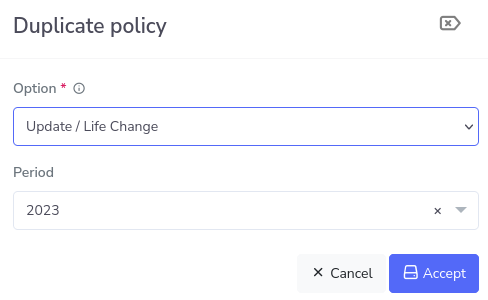
Now in the first option select to display a series of options as follows.
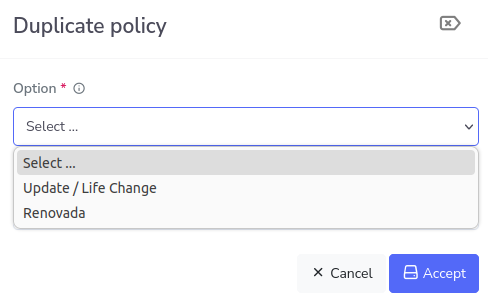
After setting it up like this, select the period you want to assign and finally press the “Accept” button.
You will then have the policy creation form available with the data from the policy; you can edit any data you wish. In this case, the name will be changed from “Nil Ferre” to “Jason Mackenzy”, and you also need to press the button to accept the policy terms located at the end, otherwise, you will not be able to conclude the form.
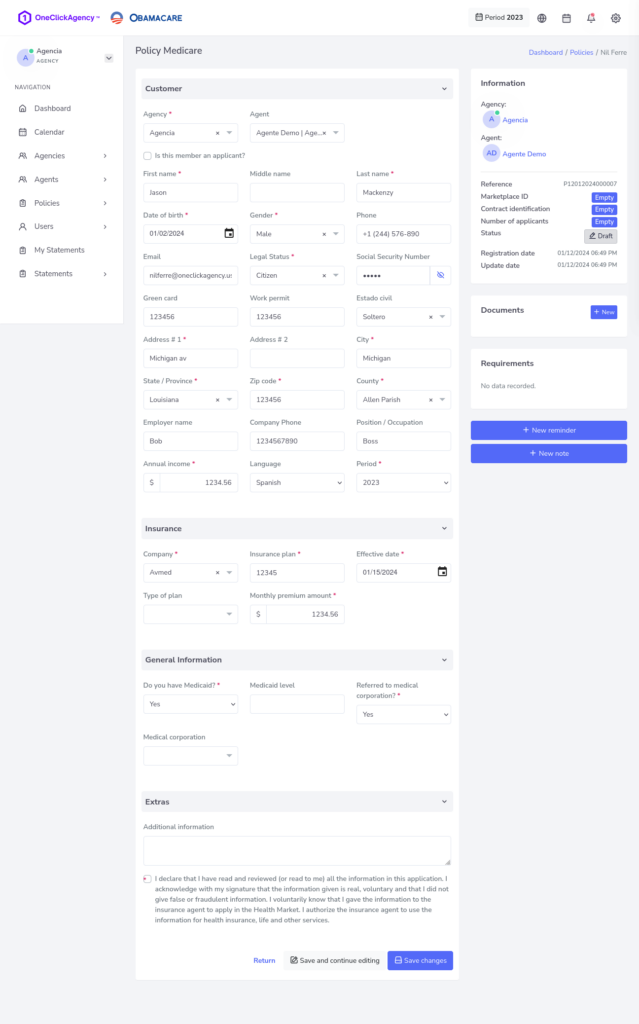
Once the process is finished, you’ll have the duplicated policy ready.