Route
- Go to Policies > (Select type of Policie)
Select the 3-dot button on the left side of the policy, which will expand a menu as shown below.
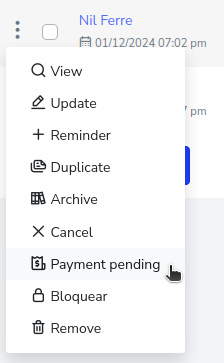
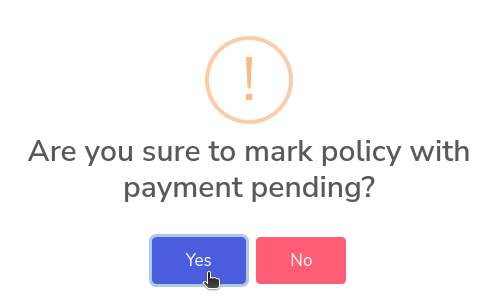
Select the option “Pending Payment”. This will show a pop-up window asking for confirmation to mark the policy as pending payment, simply select the “Yes” button.
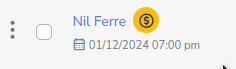
Now the policy will have an icon indicating that the user has a pending payment.