Route
- Go to Users > All
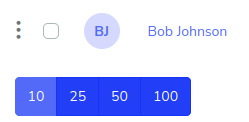
To update a user, you must press the button on the left side of the user you want to update.
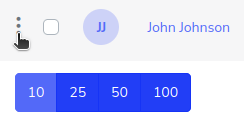
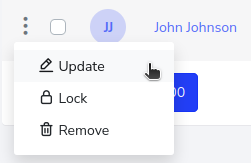
This will display a menu, in which you must select the “Update” option.
In this case, the name was changed from “Jhon” to “Bob”.
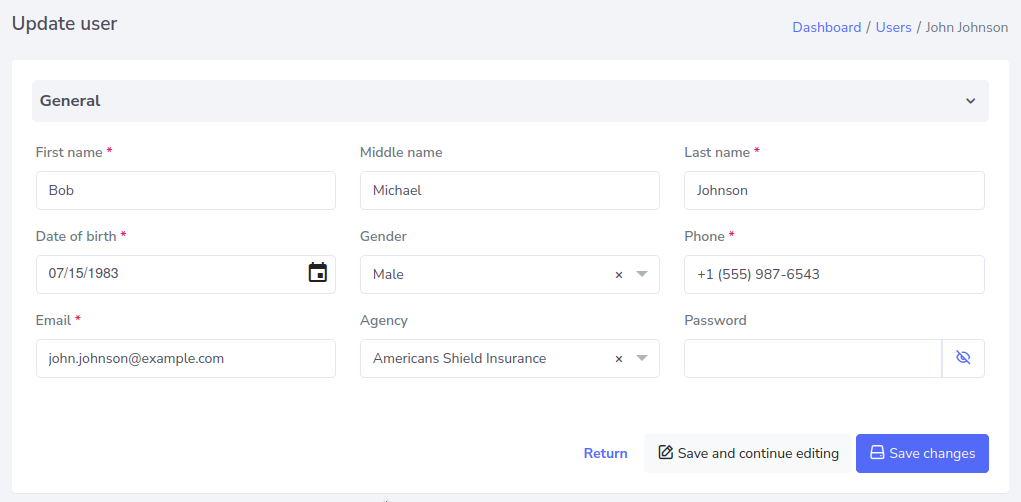
Click on “Save Changes”. And there you go, the user is updated.