Route
- Go to Users > All
To filter the information shown, you can go to the upper right corner and press the filters button.
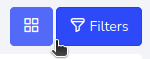
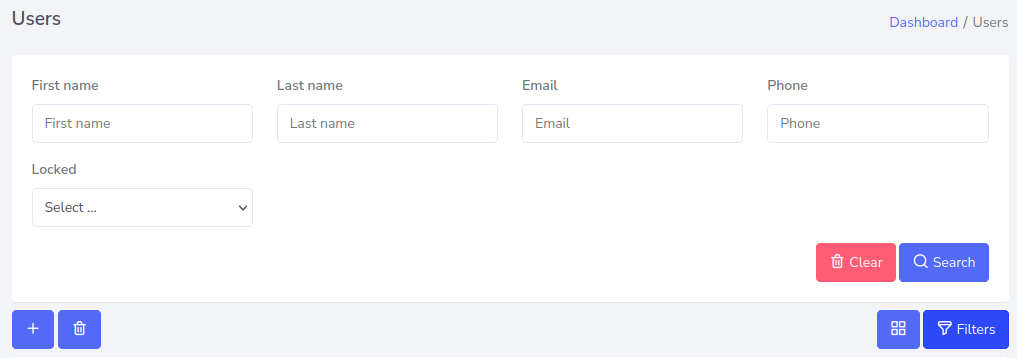
This will deploy a form, where you can enter the information you are looking for based on the user’s details.

Route
To filter the information shown, you can go to the upper right corner and press the filters button.
This will deploy a form, where you can enter the information you are looking for based on the user’s details.