Route
- Go to Statemens > All
Users who can create reports must have agency permissions, as the agency is the one that will share the report with the agent.
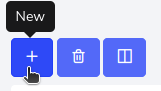
To create a report, you must press the “+” button located in the upper left corner.
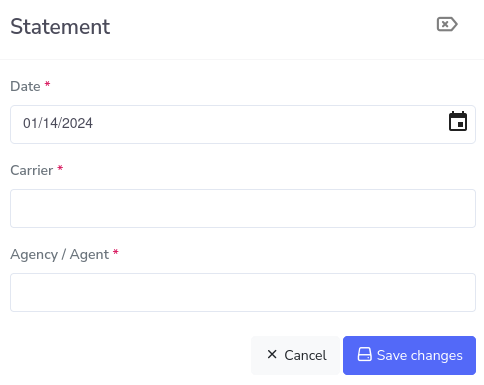
A pop-up window will appear requesting the date of the report, the company the report is for, and the agency or agent that will view the report. Keep in mind that multiple agents and agencies can be included per report.
With the information placed, it looks as follows.
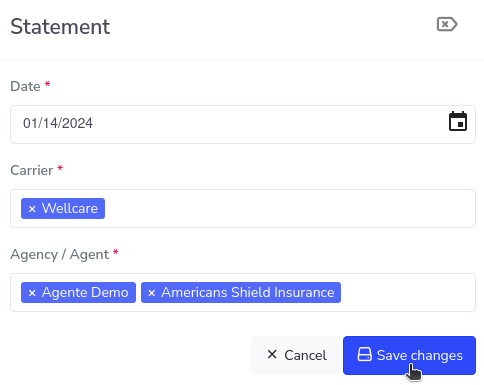
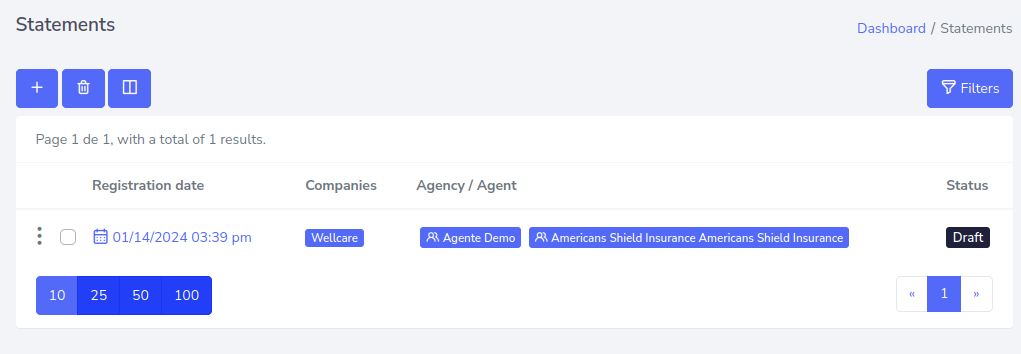
Click on “Save changes”. And now you will have the new report record as shown below.