Route
- Go to Report > All
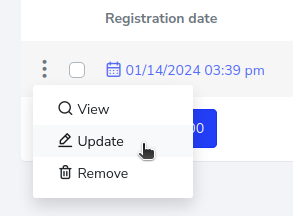
You should press the 3-dot button located on the left side of the report you wish to update, and this will open a pop-up menu in which you must select the “Update” option.
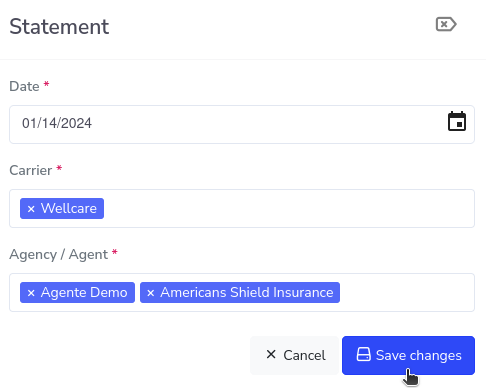
You will have at your disposal the form in which you can change the pertinent information and click on the save changes button.