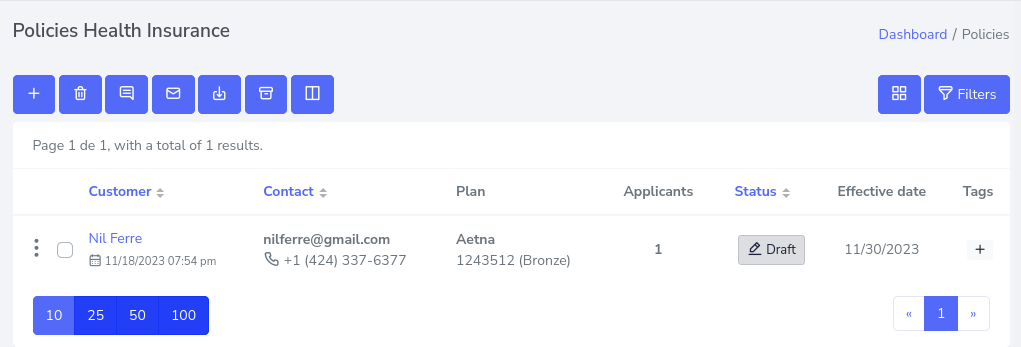
To create a policy, you must first make sure that you have previously created an agency and an agent, since agency is a mandatory requirement. If you already have an agency created, skip the verification. If you want to know if you have created an agency, click here.
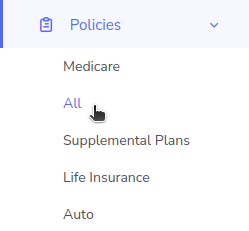
Step 1: After verifying, proceed to the left side menu and look for the button that says policies, which must be clicked to display the list of options, then press the All option.
This should take you to the next screen, which shows the information of the policies created, with their information and options that you can take for each one of them, if you do not see any policy, you will have to create one.
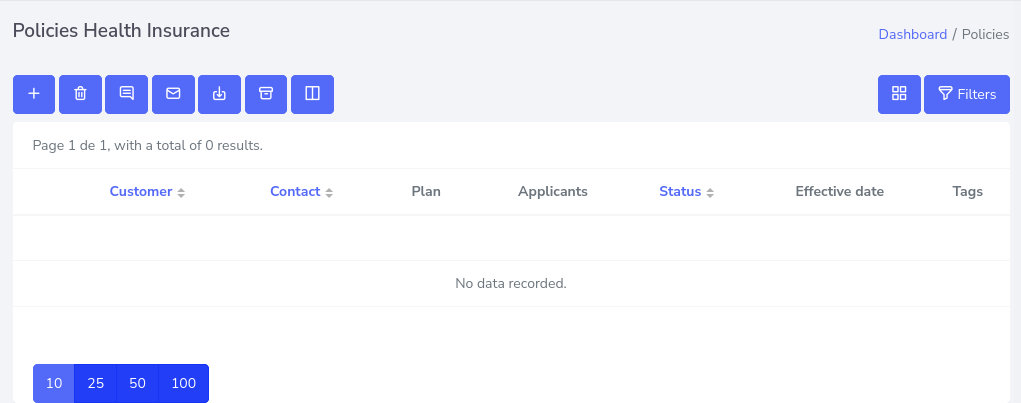
Step 2: In this case, a new policy will be created by pressing the button with the “+” symbol located at the top and first from left to right.

Step 3: Now, in the new view, a form appears where the information about the new policy is placed, in an informative way, on the right side is the status of the policy, if it were to be an update it would show more specific details, so for the moment it will be empty.
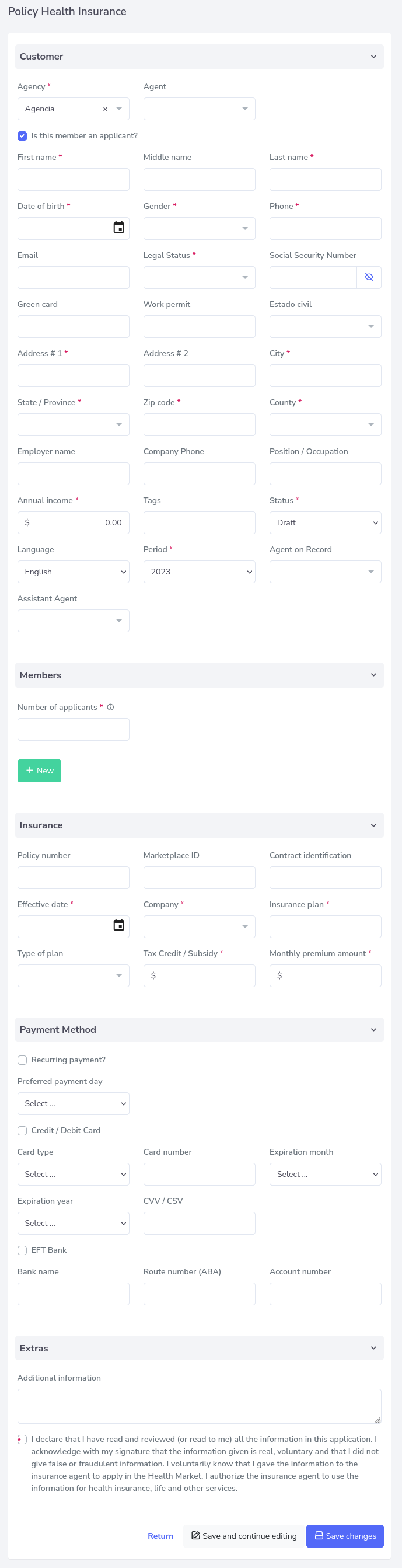
After filling out the form, click on the save changes button and you will have a new policy created.