Route
- Go to Agencies > All
- Go to Agents > All
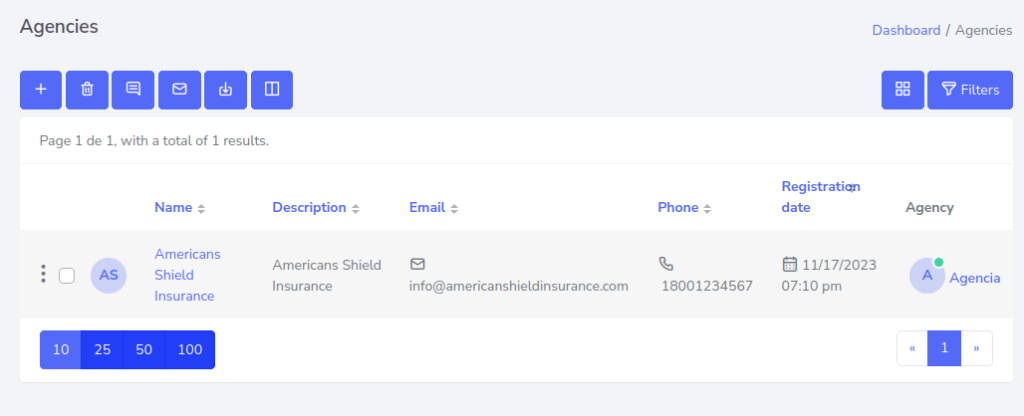
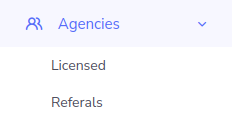
Checking if agencies and agents have been created is simple. Additionally, this process is the same for both agencies and agents. You just need to go to the side menu and look for the option of agencies or agents, click on it, and then look among the options for licensed or referring agents.

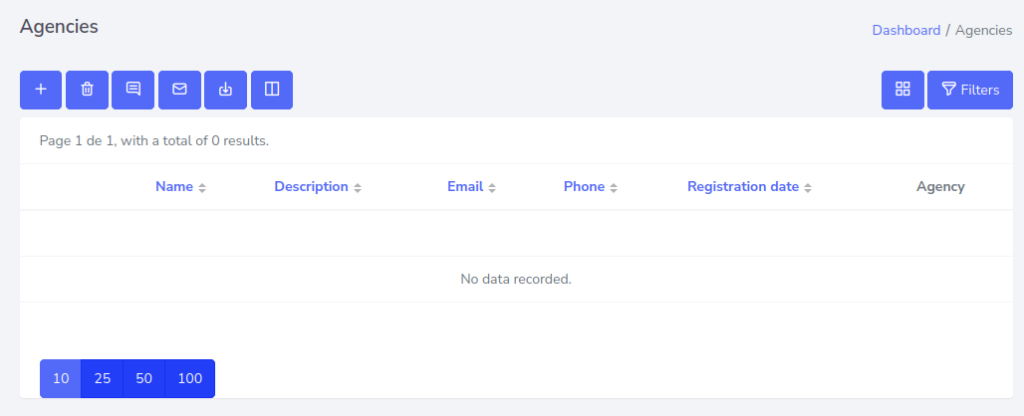
If it appears like this, it means it’s empty.
To create one, you can visit this link, which will explain in more detail how to create an agency.
If not, agencies should appear like this.