
Route
- Go to Calendar
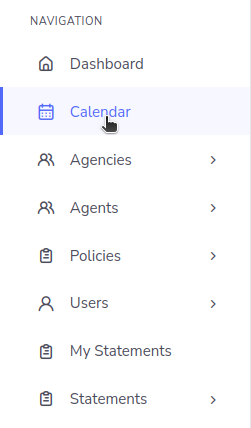
In the calendar, you can find information about the notes that are assigned to a user. In this case, the notes are tasks that are assigned to an agent or agency, and they are responsible for executing them and providing a response. To access the calendar, you need to go to the left sidebar and select the calendar option.
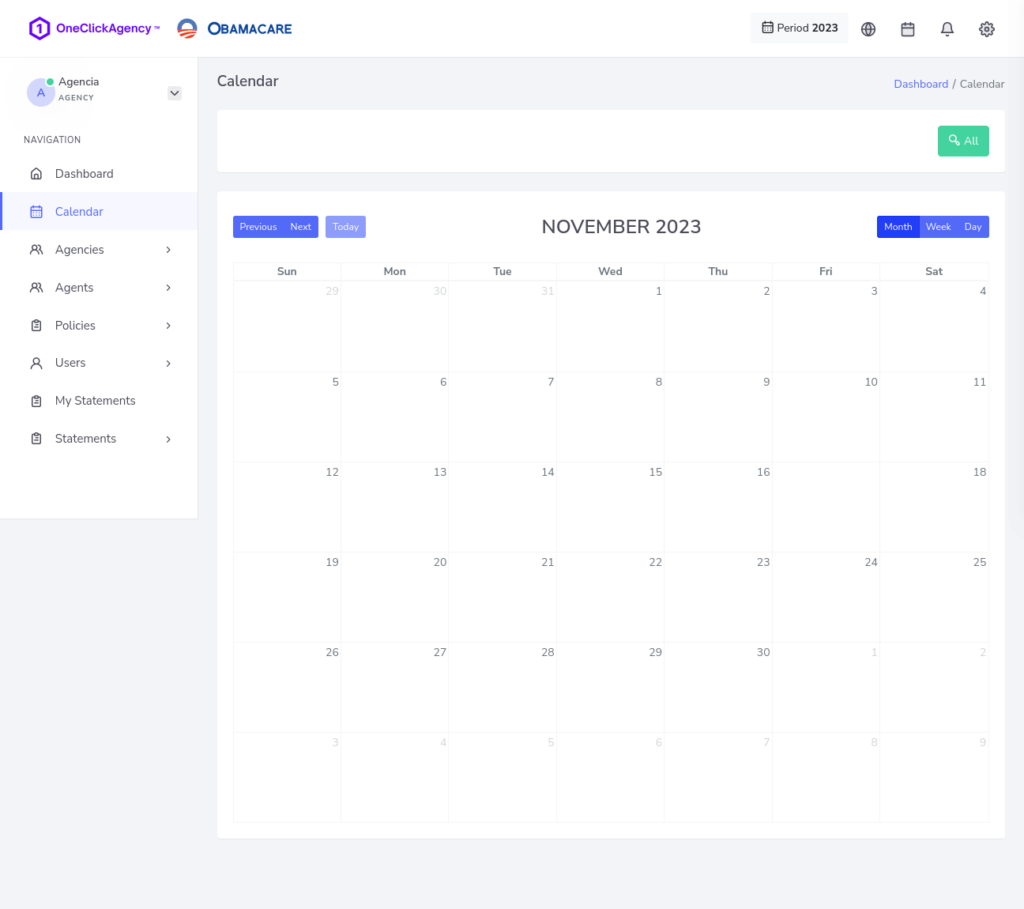
This will take you to a view that shows the calendar for the current month, and within the calendar, you will see the notes for the policies.
Moving between months
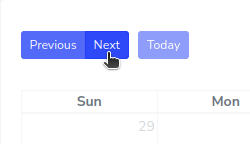
It also offers the option to advance, go back, or return to the current month by pressing the “Today” button.
Change the range of visibility
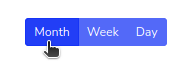
If you want to change the view displayed, you can switch between Month, Week, and Day by default. This is activated in the Month view.
Reminders
Reminders are shown within the calendar days’ boxes in green text, such as “Reminder 1.” You can easily update the reminder’s date by clicking and dragging it to another box.
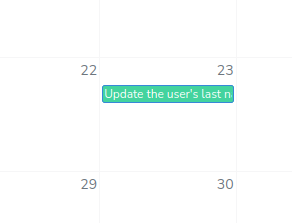
A simple option you can use is to place the pointer over the reminder, press the left mouse button, and drag to another box. This will automatically update the reminder’s date.
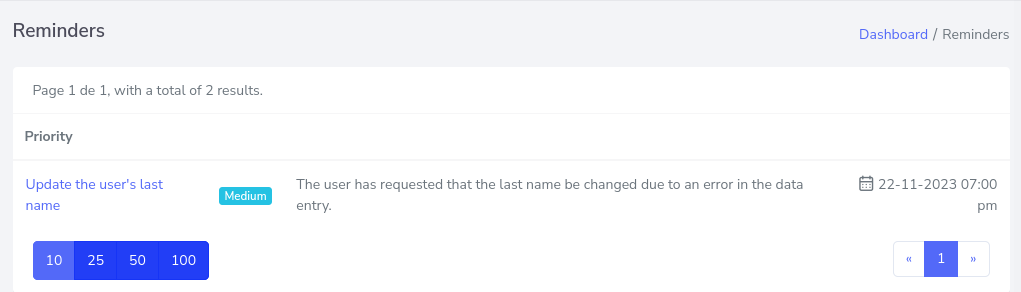
If you want to see reminders more directly, you can press the “All” button, which will change the current window to show a summary of all reminders listed in order.
They are displayed in a list format.
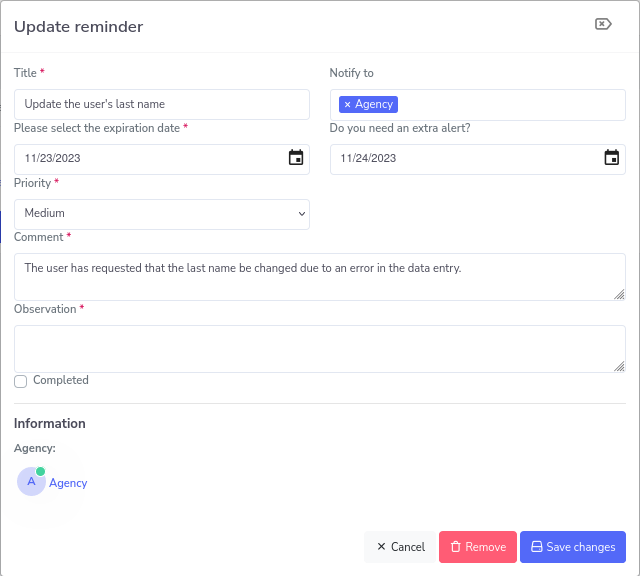
Reminder Details
To view more information about the reminder, press on one of them, and a pop-up window will open with details about the reminder.
If you want to know how to create a reminder, you can click here.