Route
- Go to Agencies > All
To delete an agency or agencies, there are two methods, the first one allows you to delete only one agency, while the second one allows you to delete several agencies at the same time.
Delete individually
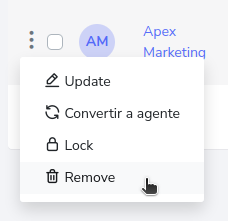
To remove a specific agency, you can click on the button on the left side of the agency you wish to remove and then on the remove button.
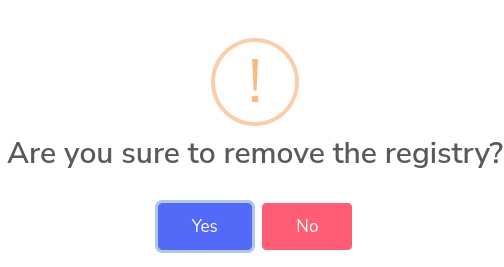
It will ask for a confirmation and then the agency will be deleted.
How to delete one or more agencies?
You must press the selection button on the left side, for example.
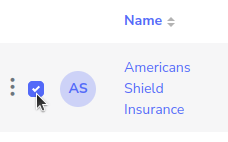
Then press the delete button, if you select several agencies, all selected ones will be deleted.
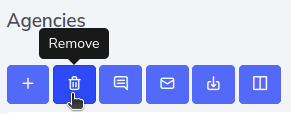
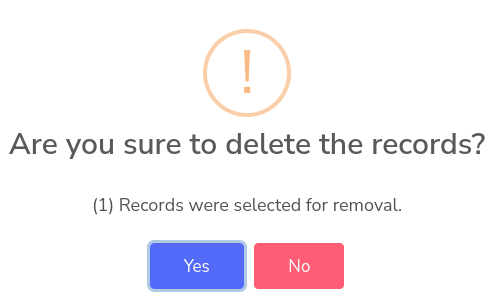
Upon clicking, a pop-up window will appear, asking if you want to delete the selected agencies, click “Yes” to remove them, or alternatively click “No”.