Reminders help users communicate with each other and help maintain an orderly flow of information, e.g. “Create a reminder to update a policy entry”.
When you want to create a reminder you must go to the policies to add it.
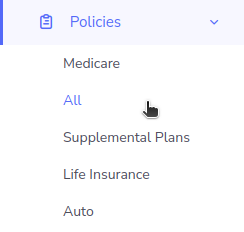
Step 1: Click on “Policies”.
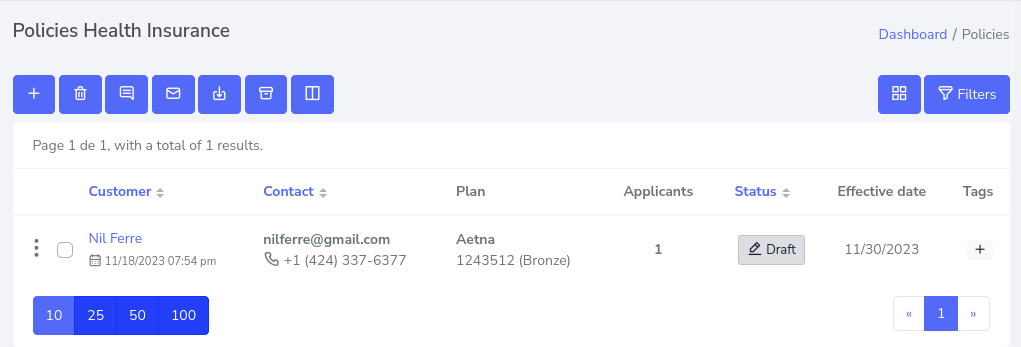
Step 2: The list of created policies will now be displayed.
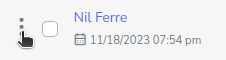
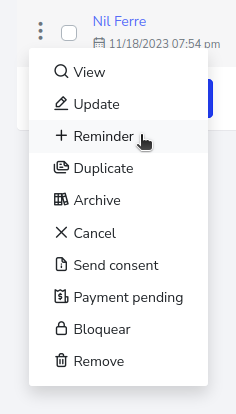
Step 3: Click on the 3 dots on the side of the specific client.
Step 4: This will display a series of options, click on “Reminder”.
A pop-up window will appear, containing a form, you can place the title of the reminder, “Notify to” is to inform an agency or agent, in this case can be multiple users to notify, “Select due date” here, place the deadline that will have the reminder and if you want to place another extra alert, you can also add it. Finally set the priority level and a comment that helps to understand the reason for the reminder.
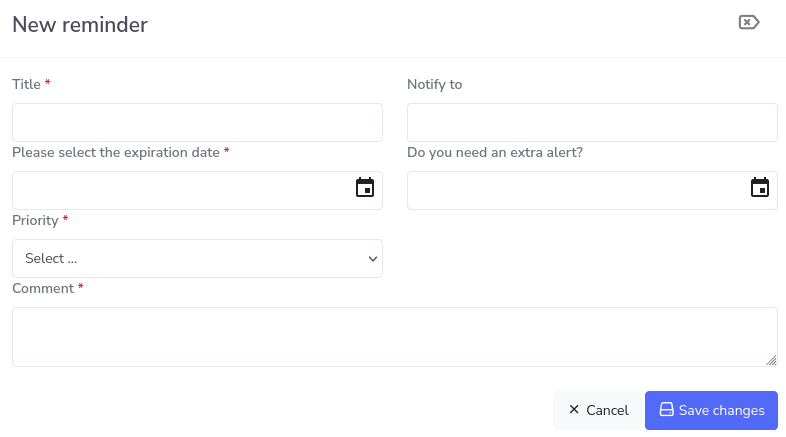
Step 5: Filling in the data fields will look like this.

Step 6: Once you have finished adding the information, click on save changes and that’s it, in this case “Super Agency” and “Social Agent” will have a reminder. If you want to know how to see the reminders, click here.