Route
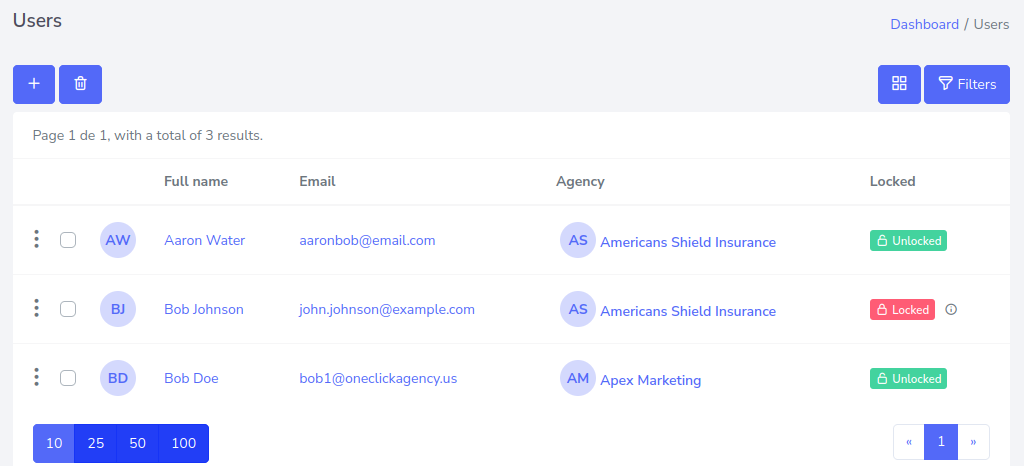
- Go to Users > All
To create a user, you must press the “+” button located at the top left.
After pressing the button, a form will appear, which you must fill out to finish creating a new user.

With the example information placed, it will look like this.
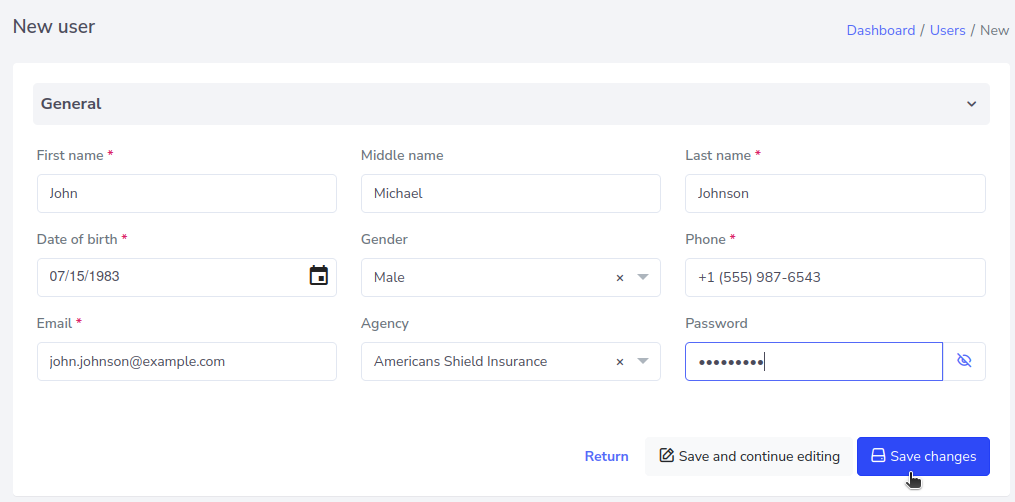
Click on “Save Changes” and the new user will be reflected as follows.