Route
- Go to Statements > All
To delete reports, there are two ways to do it; one option is to delete individually, which is quick, and the other is by multiple selection. Both methods will be explained below.
How to delete a statemets?
Just go to the report you want to delete and select the 3-dot button located to the left side of the report.
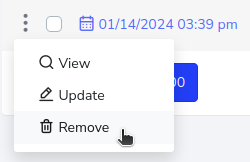
It will ask for confirmation, which you should accept, and that’s it.

How to delete 1 or more records?
To do this, you just need to press the multiple selection buttons that are located to the left side of the report.
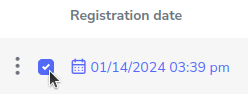
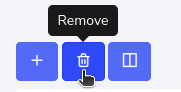
After selecting all the reports you wish to delete, click on the trash can icon located in the upper left corner.
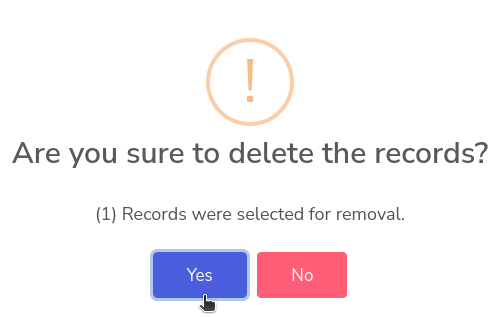
This pop-up window will appear asking for confirmation on whether you really want to delete, to which you should confirm yes.