Route
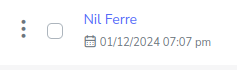
- Go to Policies > (Select type of Policie)
Select the 3-dot button located on the left side of the policy; this will expand a menu as shown below.
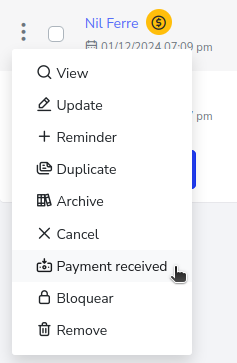
Select the option “Payment Received”. This will show a pop-up window asking for confirmation to mark the policy as payment received, you just need to select the “Yes” button.
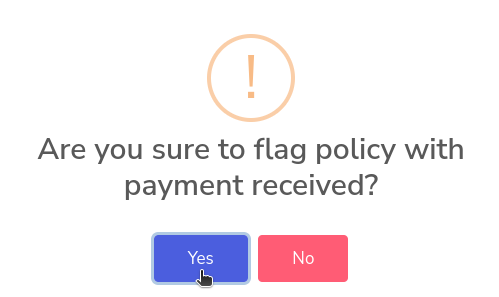
Now the policy will no longer have the icon that indicated it was in arrears.