Route
- Go to Policies > (Select type of Policie)
To remove a policy, there are two ways to do it, one is quick and is only for one policy, while the other option is dedicated to delete 1 or more policies.
How to remove a single policy?
To do so, it is necessary to go to the policy to be deleted and select the button located on the left side of the policy, which are 3 dots, this will display a menu with several options.

Select the “Remove” option.
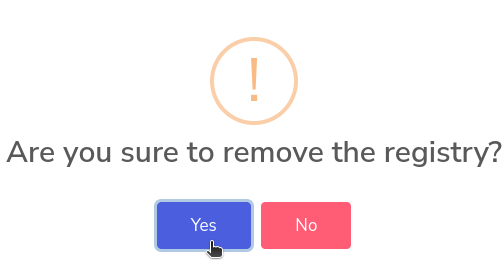
Now click on the “Yes” option.
How to remove 1 or more policies?
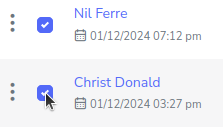
To delete several policies, it is necessary to press the multiple selection buttons next to each policy.
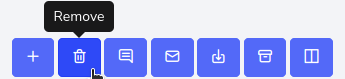
Then select the “Remove” button at the top left of the form.
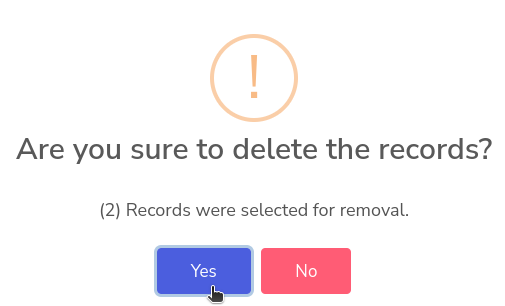
You will get a pop-up window asking for confirmation to delete the selected policies. And click “Yes”.