Route
- Go to Agents > All
If you wish to send a password recovery email to an agent, just go to the agent list and find the agent you wish to do so, then click on the 3 dots button on the left side of the agent.
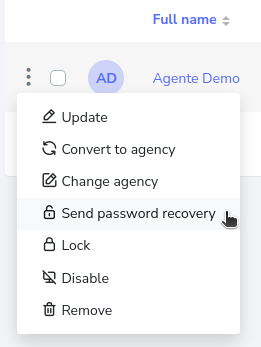
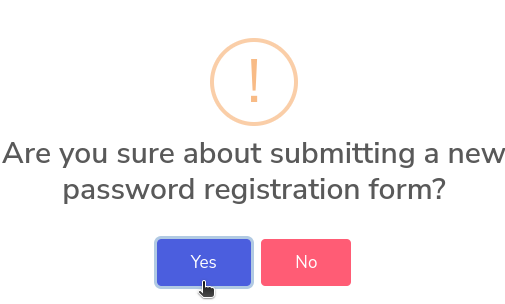
Once pressed, you will have a menu to which you must click on the option that says “Send password recovery” and a pop-up window will appear requesting a validation of whether you really want to send the password recovery email, which you must accept by pressing the “Yes” button.