Route
- Go to Policy > (Select type of policie)
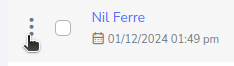
To do this, you just need to search for the policy you want to update from the policy list, and after finding it, press the 3-dot button on the left side of the policy.
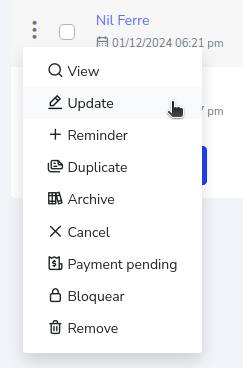
Now, click to display the menu and select the “Update” option.
This will take you to a new page, where you have the ability to change the information of the policy. In this case, the name will be changed from “Nil” to “Jhon”.
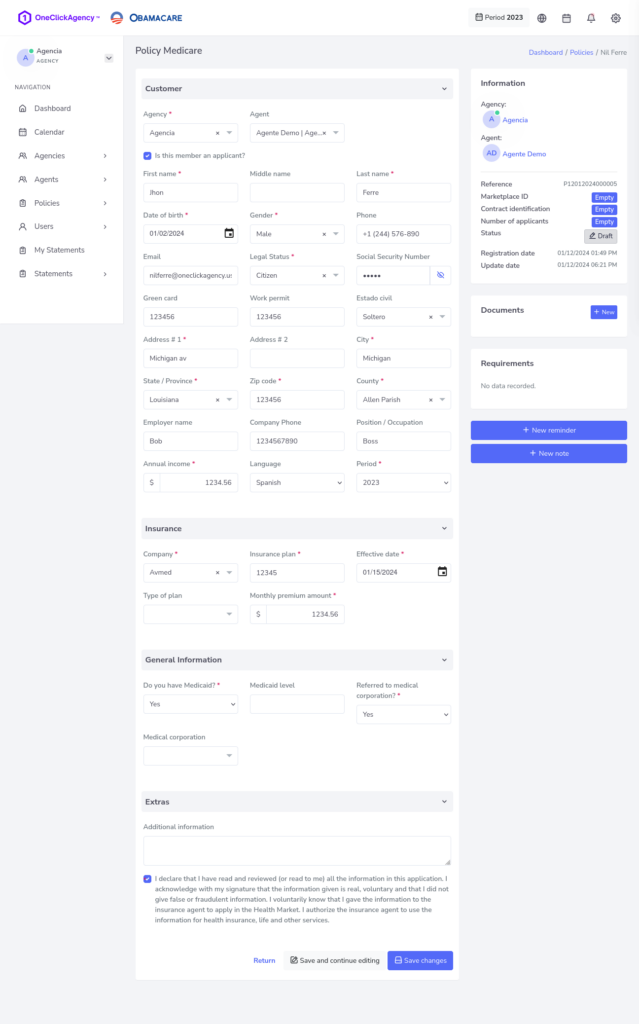
To finish, press the “Save Changes” button, you can also save and continue editing with the “Save and Continue Editing” button, or if you want to discard the changes and go back, press the “Back” button.

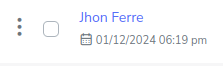
And there you go, the name has now changed from Nil to Jhon.