Route
- Go to Statements > All.
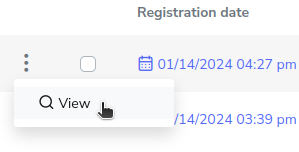
You should go to the “My Reports” section and look for the report you want to view in detail, select the 3-dot button and press the “View” button.
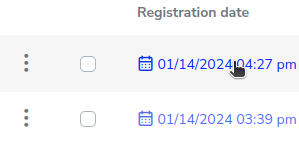
Or you can click on the date, which would give the same result.
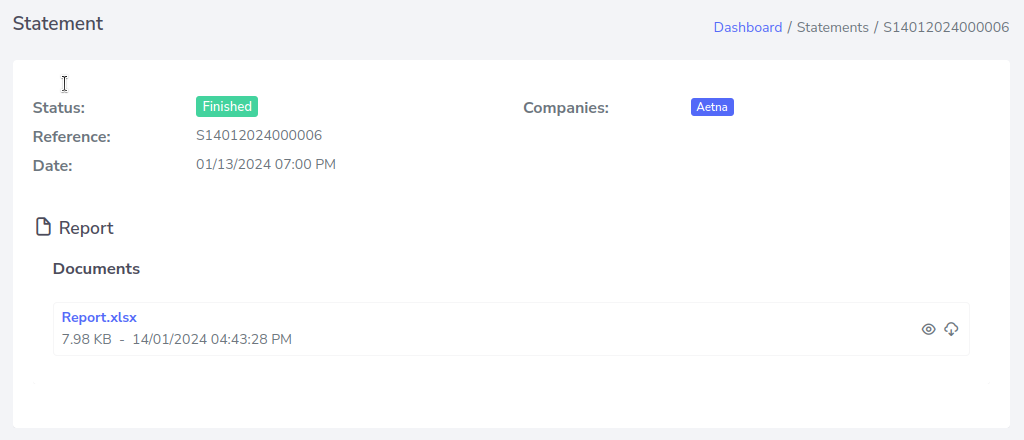
Here you will be able to see the details and download the information it contains.