Route
- Go to Reports > All
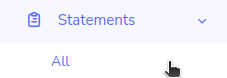
To access the list of reports, go to the left side menu and look for the section that says “Reports” this will display an option called “All”, click on “All”.
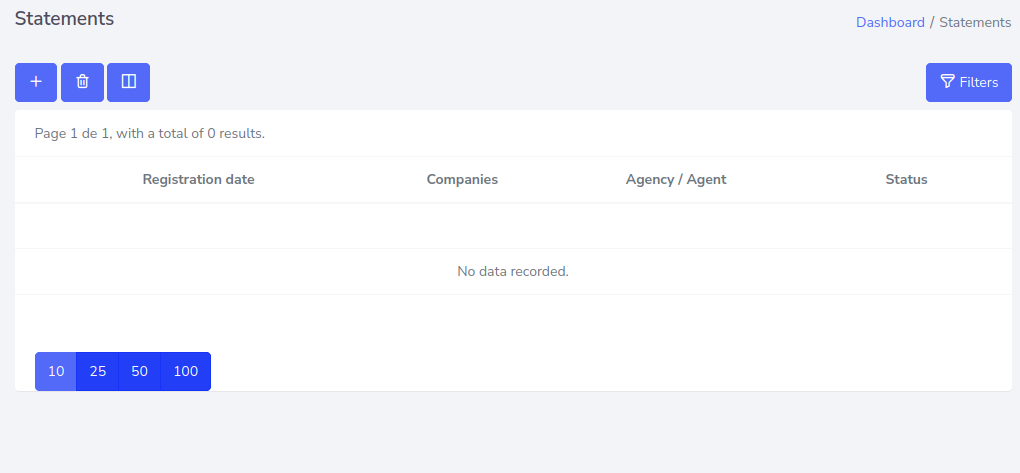
It will be moved to a new page that looks like this.

Route
To access the list of reports, go to the left side menu and look for the section that says “Reports” this will display an option called “All”, click on “All”.
It will be moved to a new page that looks like this.